

Claude code
Claude CLI (Command)
- 1
Open the command line
- 2
Run the following command
claude-cliclaude mcp add --transport http Woodstock https://mcp.app.woodstock.co/mcp - 3
Open Claude CLI
- 4
Type
/mcpand authenticate
Claude CLI (Prompt)
- 1
Open Claude CLI
- 2
Enter the following prompt
claude-cliInstall Woodstock MCP by executing 'claude mcp add --transport http Woodstock https://mcp.app.woodstock.co/mcp' and restart.
Get started
Trade smarter with AI
Open Woodstock account and start using MCP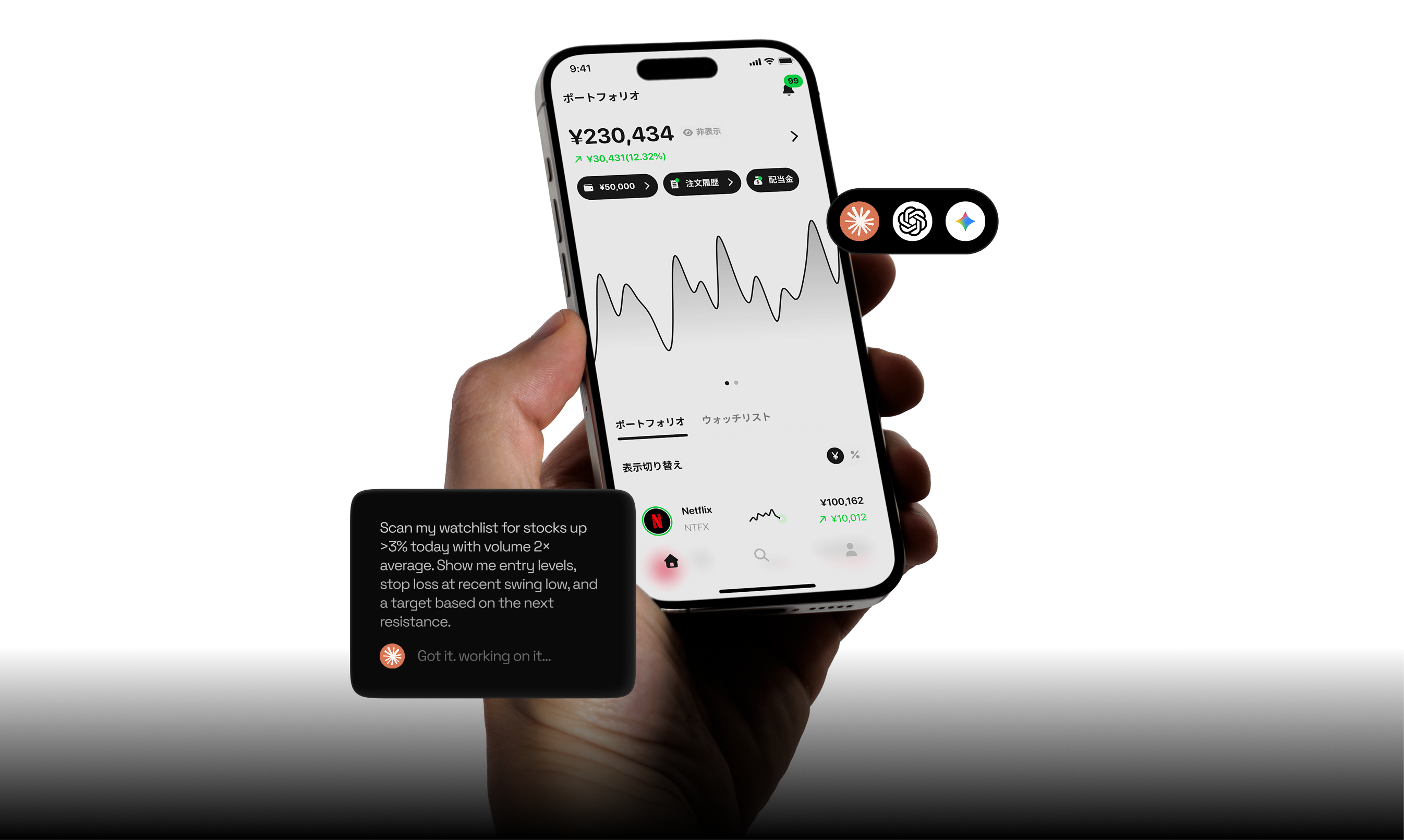
Woodstock Inc. Kanto Local Financial Bureau (KINCHU) No. 965 Financial Instruments Business Affiliate: AlpacaJapan Co., Ltd. Financial Instruments Business Operator Registration: Kanto Local Financial Bureau (KINSHO) No. 3024 Associations: Japan Securities Dealers Association, Japan Investment Advisers Association AI is not provided by Woodstock. As with non-MCP transactions, all trading outcomes are entirely your responsibility. Depending on the AI provider's policy and the prompts you enter, orders may be placed without your prior individual confirmation of order details, so please exercise particular caution. Analyses, order generation, and other outputs are produced by the AI service you use based on your own settings and instructions, and Woodstock does not guarantee their accuracy, completeness, or investment outcomes.
FAQ
Frequently asked questions
If you have any questions, contact us via LINE or contact form.
Q. Are there any fees for using Woodstock MCP?
Please prepare your own AI provider (MCP client: Claude, Chat GPT, etc.). Furthermore, any costs associated with using a paid AI provider plan will be your responsibility. Woodstock MCP is currently offered free of charge.
Q. Please tell me about the AI environments (MCP client) that are supported.
It supports major MCP clients such as Claude and Chat GPT. It can be used from desktop, mobile, or tablet devices.
Q. What is Woodstock MCP?
The Model Context Protocol (MCP) is a technical standard developed by Anthropic, designed to connect AI systems with external tools and data. Woodstock MCP extends this by connecting it to your Woodstock account, allowing you to broadly utilize AI-driven analysis using vast amounts of external data and the latest news as your investment tool.
Q. What are the advantages of using Woodstock MCP?
Woodstock MCP requires absolutely no programming or other specialized knowledge for setup or use. It leverages AI in natural language to manage your portfolio, track stock price trends, and send buy and sell orders.
Q. Can I use it even if I can't program?
No specialized knowledge of programming or other fields is required for anything from setup to use. You can interact with your preferred AI using natural language (everyday language).
Q. Are there any precautions I should take when using Woodstock MCP?
The results of any transaction belong entirely to you, just as they do to transactions that do not utilize MCP. Please note that depending on the AI's policies and the prompts you enter, it may be possible to place an order without prior confirmation of individual order details. For details regarding risks and the provision of personal information, please refer to our special terms and conditions regarding MCP agent transactions.